I-Cons

Onboarding & Training — the sales-to-fulfillment CRM for construction materials.

Sales AgentManagerOwnerAdminFinanceAnalystTechnician
Overview

What is I-Cons?

A CRM for our construction-materials sales team — from first inquiry through quote, contract, fabrication, delivery, install and after-sales.
Runs as an installable app on web and mobile. You only ever see what your role allows — enforced at the database.
Field visits are verified — GPS geofence, a customer QR scan, and geotagged photos.
Management has oversight & approvals throughout: discounts, duplicates, shared accounts and flagged visits.
Start here

Getting started (everyone)

  1. Open your invite link (or scan the QR from your manager) and set a password.
  2. On first login, accept the Terms & Data Privacy Agreement (required, RA 10173).
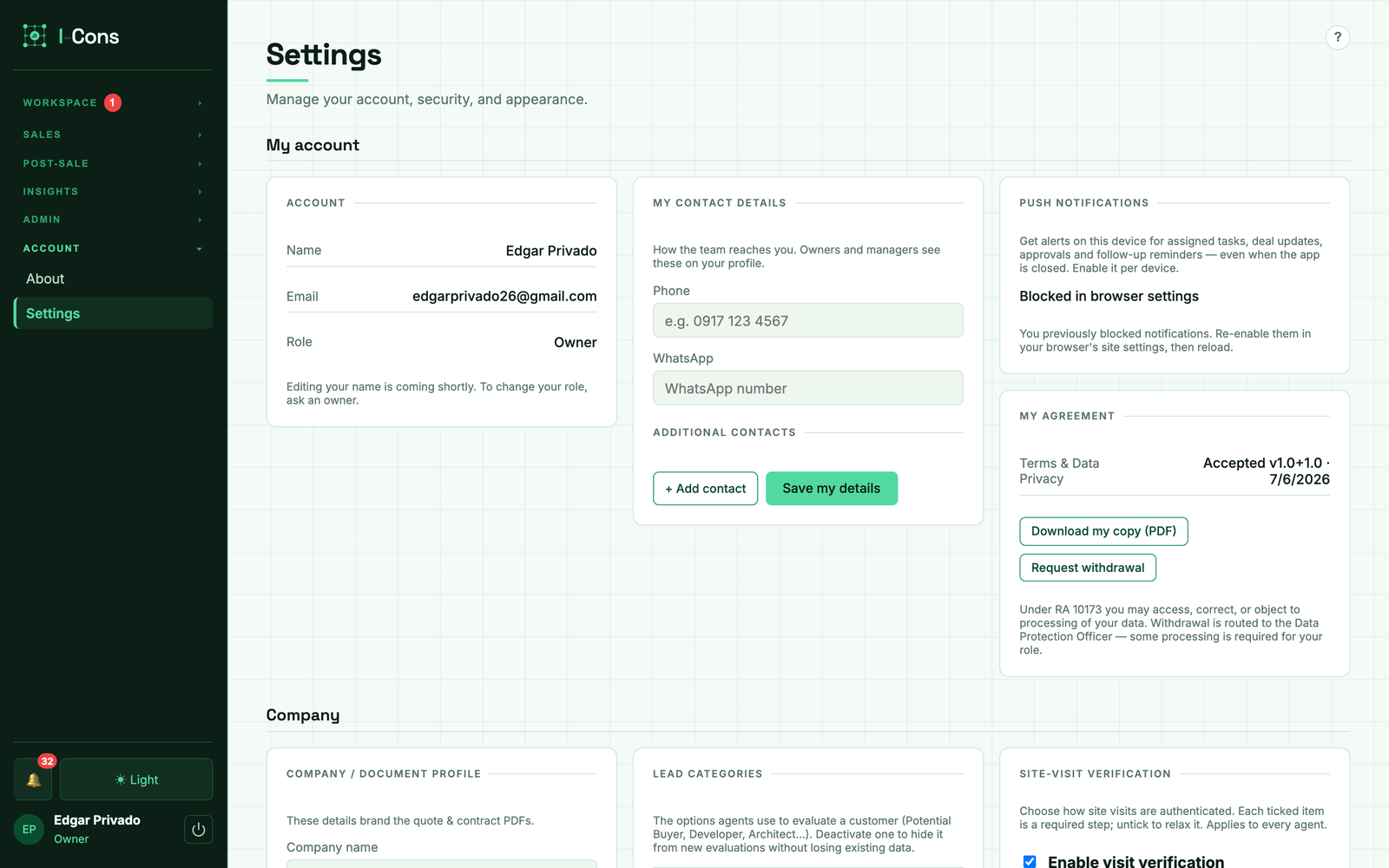
  3. Turn on 2FA and add your contact details (Settings → Security).
  4. Install it — Add to Home Screen (mobile) or install the PWA (desktop).
  5. Learn the frame: red nav badges and the attention bar show what needs action.
See the app

Guided tour — the Dashboard

Hover or tap the numbered dots to learn each part of the screen.
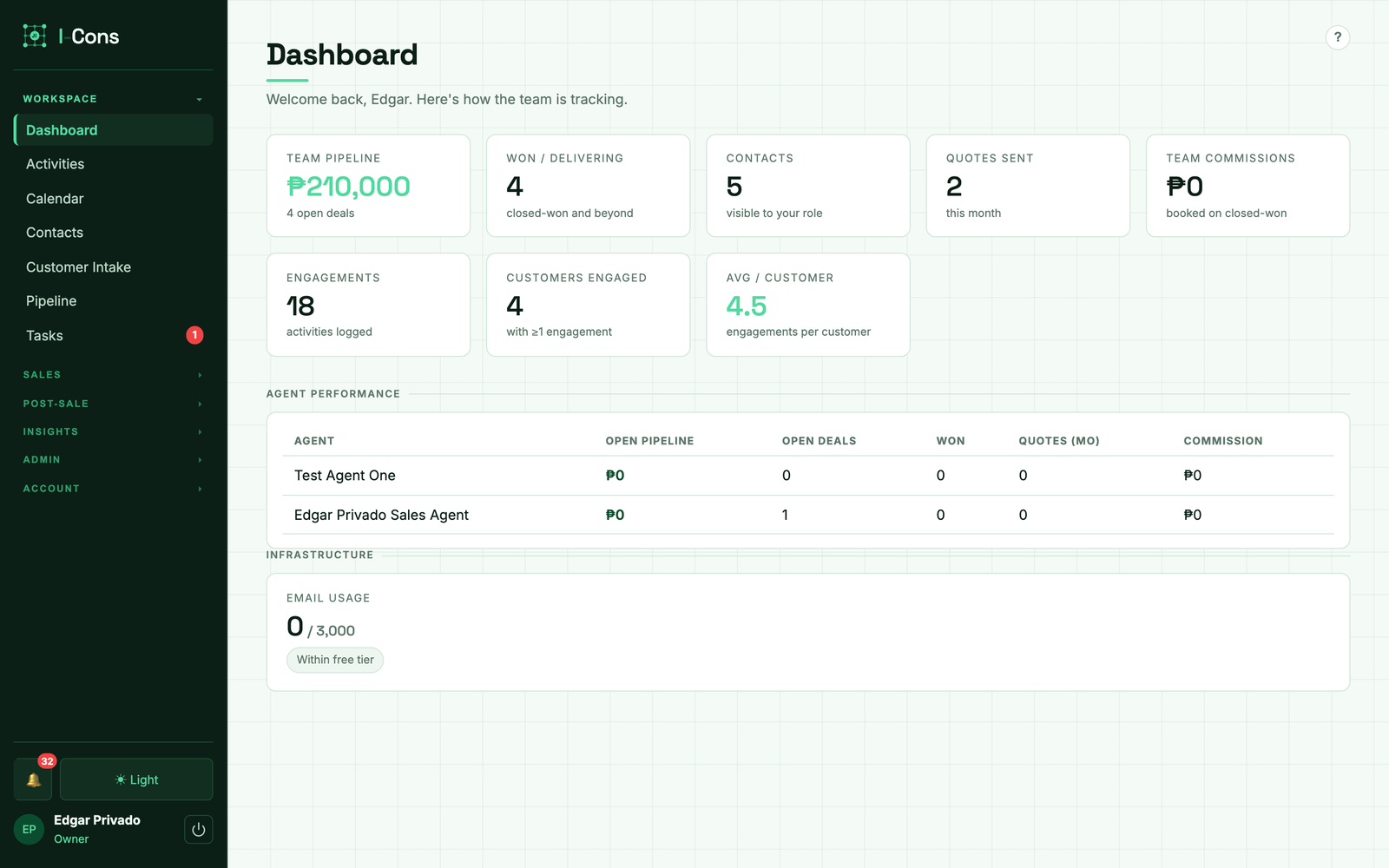
I-Cons dashboard

This is the real app. Log in at i-cons.pages.dev to try it yourself.

Walkthrough video

▶ Add your walkthrough here — paste a YouTube/Loom embed into screens or replace this box.
(Record it in ~6 min using the script in docs/TRAINING.md.)
The screens

Where everything lives

Daily use

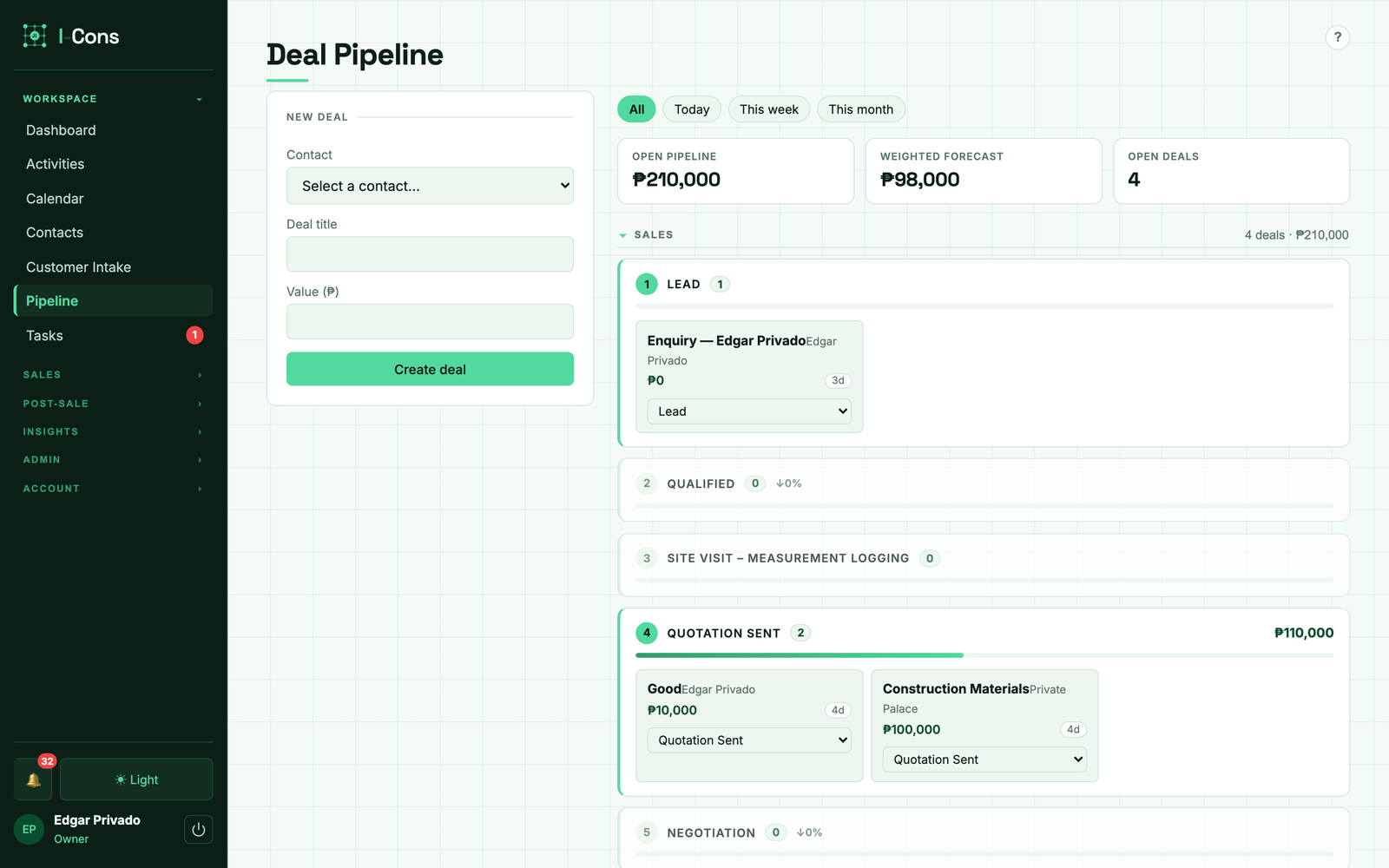
The 24-stage pipeline

24-stage pipeline

A vertical stream in 5 collapsible phases. Move a deal by picking a new stage right on its card. From Closed Won onward the deal is won and in fulfillment. A weighted forecast uses each stage's win probability.

Access model

Your role

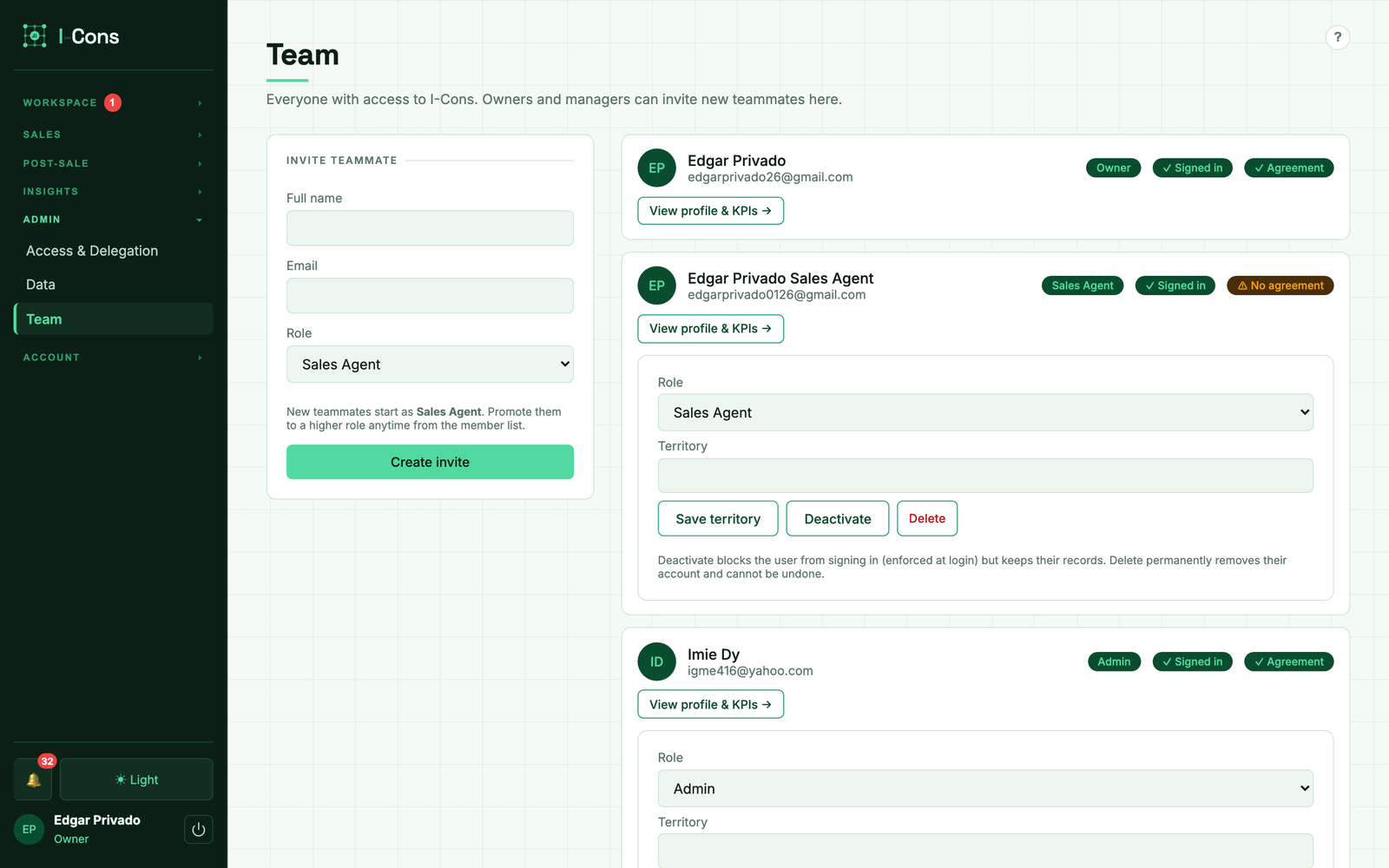
The 7 roles
  • Start your day with the attention bar & red nav badges — clear overdue tasks, acknowledge new customers.
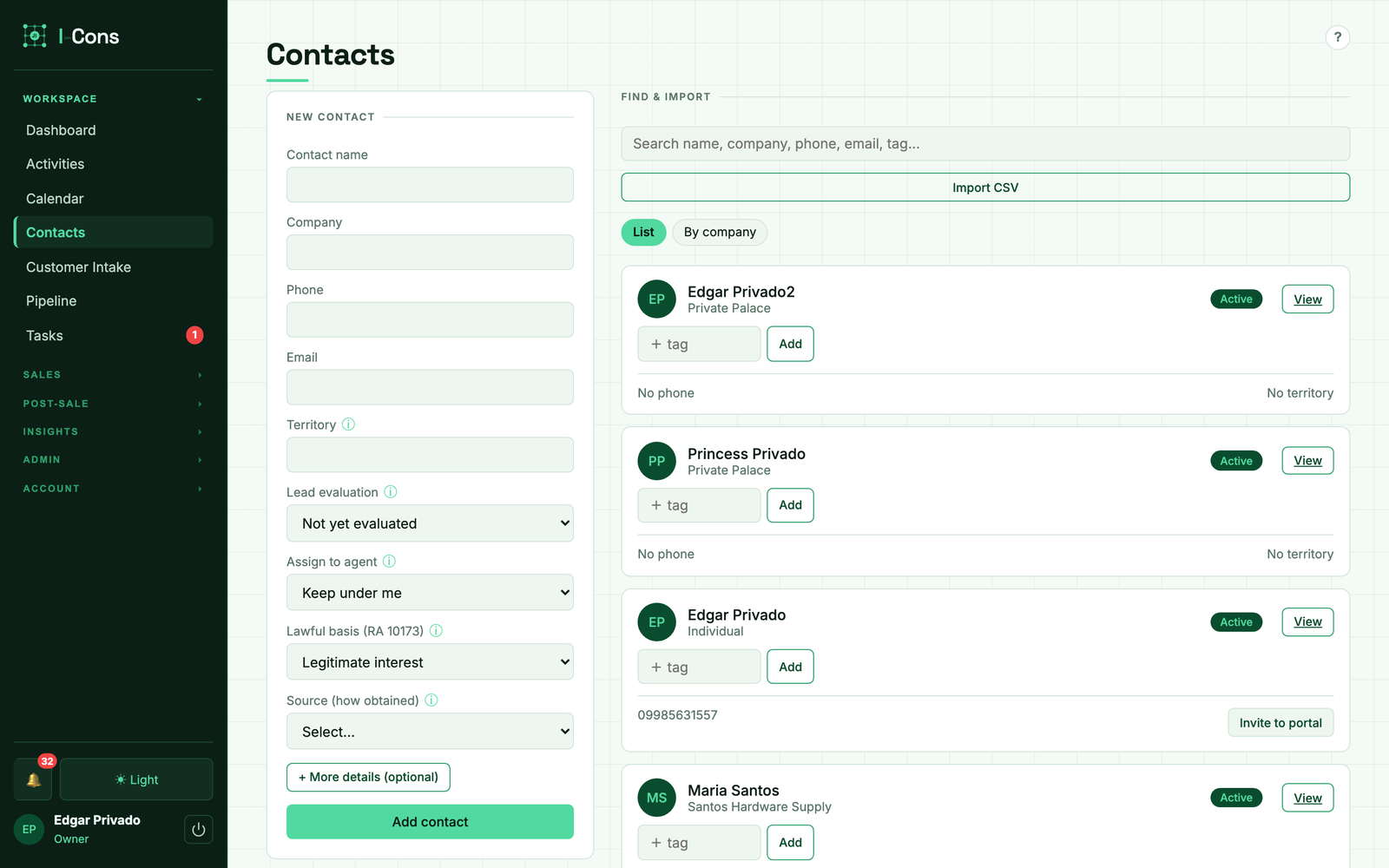
  • Add/qualify contacts; heed duplicate & same-company prompts (merge the same person; send a different-person, same-company to your manager).
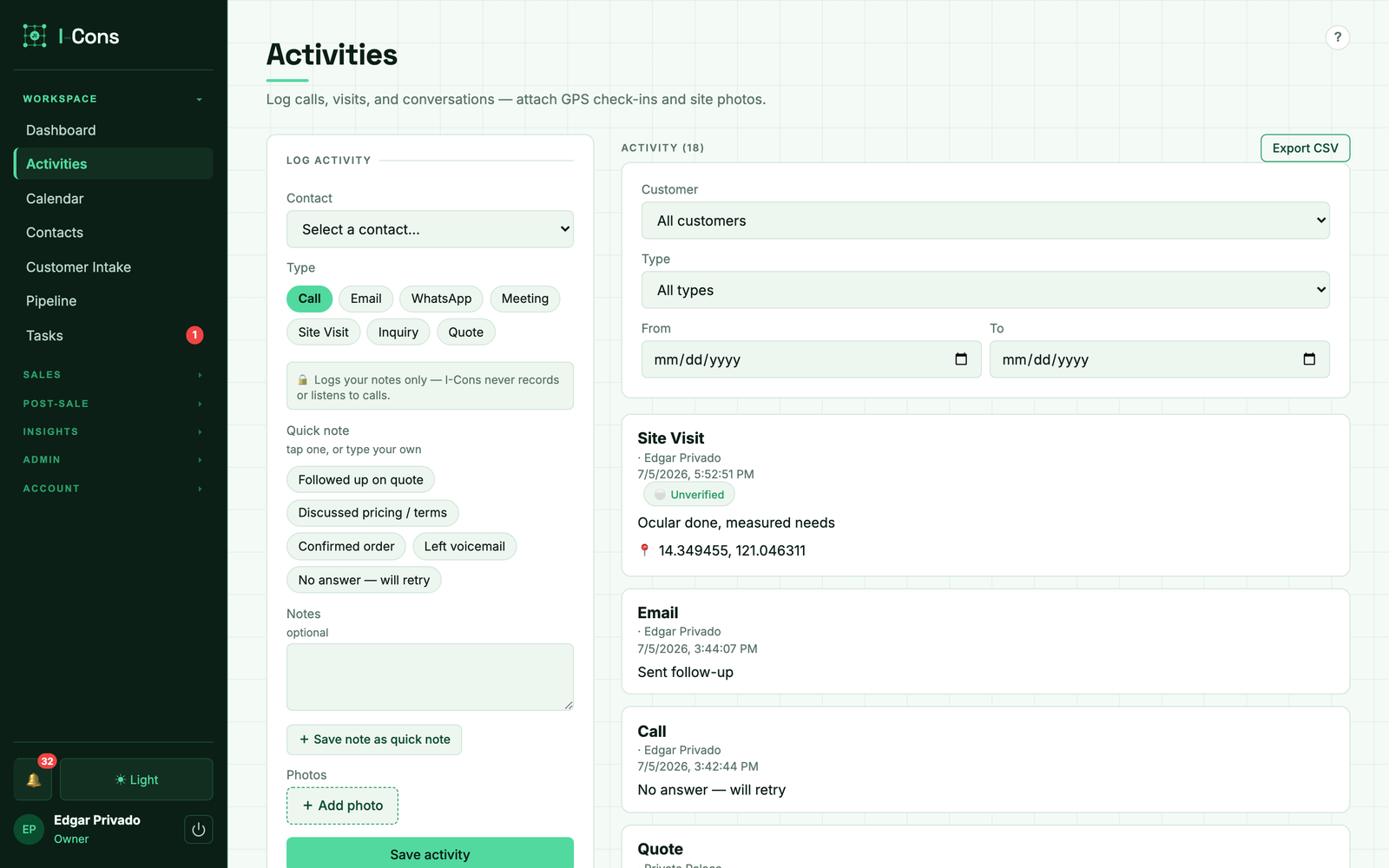
  • Log activities with GPS + photos; on a big customer, tag every deal a visit covered.
  • Move deals through the pipeline; build quotes (over-cap discounts route for approval).
  • Your dashboard shows engagements, customers engaged, and average engagements per customer.
Trust

Governance, privacy & proof-of-visit

Consent gate on first use; Terms & Privacy are versioned and re-prompt on change.
Immutable audit log — who changed what; nothing is silently deleted.
Visit verification — GPS geofence, identity check, optional OTP, geotagged photos, dwell time.
No call recording (RA 4200). Location only in the foreground, during an active visit.
Capacity & storage — 80% alert; photos & old logs cold-archive to Cloudflare R2.
Account deletion removes access & contact details but retains the audit trail.
Check yourself

Knowledge check

Click a question to reveal the answer.

1. What must you do on your first login?

✓ Accept the Terms & Data Privacy Agreement.

2. Where do you see items that need your action?

✓ The left-nav red badges and the top attention bar.

3. You find a contact that's the same person as an existing one — what do you do?

✓ Merge them. Never create a duplicate of the same person.

4. One site visit covered two deals. How do you log it?

✓ One activity, and tag both deals.

5. Your discount is above your cap. What happens?

✓ It routes to a manager to approve or reject with a reason.

6. A company is worked by two different agents — the manager's decision?

✓ Keep them separate, or make it a co-owned account.

7. How do you turn on customer email?

✓ Verify a sending domain, then enable it in Settings.

8. From 'Closed Won' onward, is a deal open or won?

✓ Won — those are fulfillment stages.

9. Is background / after-hours location tracked?

✓ No — only in the foreground during an active visit.

10. Can audit records be deleted?

✓ No — they're archived to R2, never destroyed.